PAYBOOK FEATURES
Your salon.
In one place.
Services, tips, appointments and staff pay — from the salon floor to your review.

01 · THE EVERYDAY DETAILS
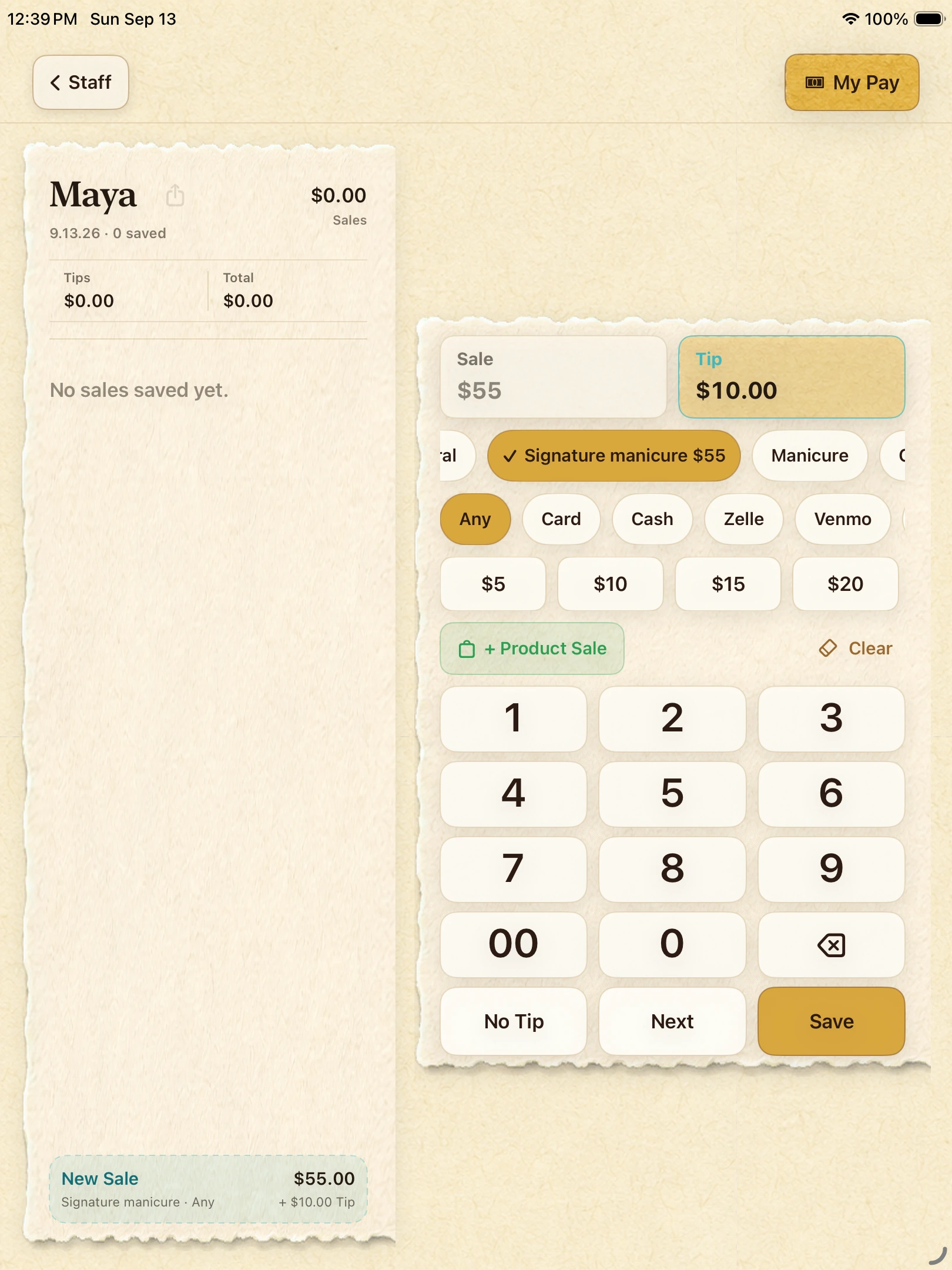
A service finished. A clear record.
Choose the person, enter the service and tip, then review and save. The numbers stay together all the way to payroll.
- Keep services and tips together
- Use each person’s own pay terms
- Review before saving
02 · THE EVERYDAY DETAILS
Their work. Their own view.
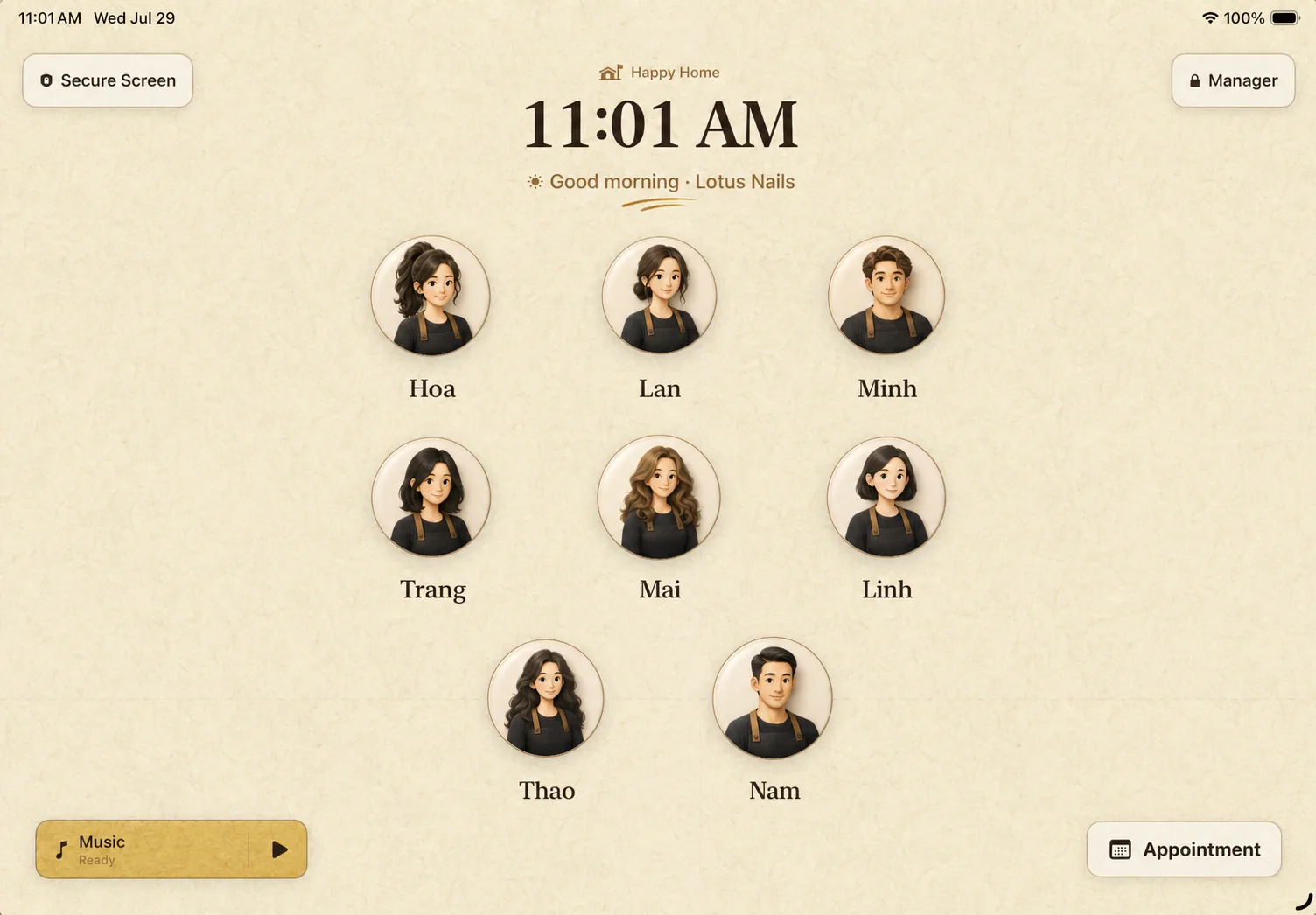
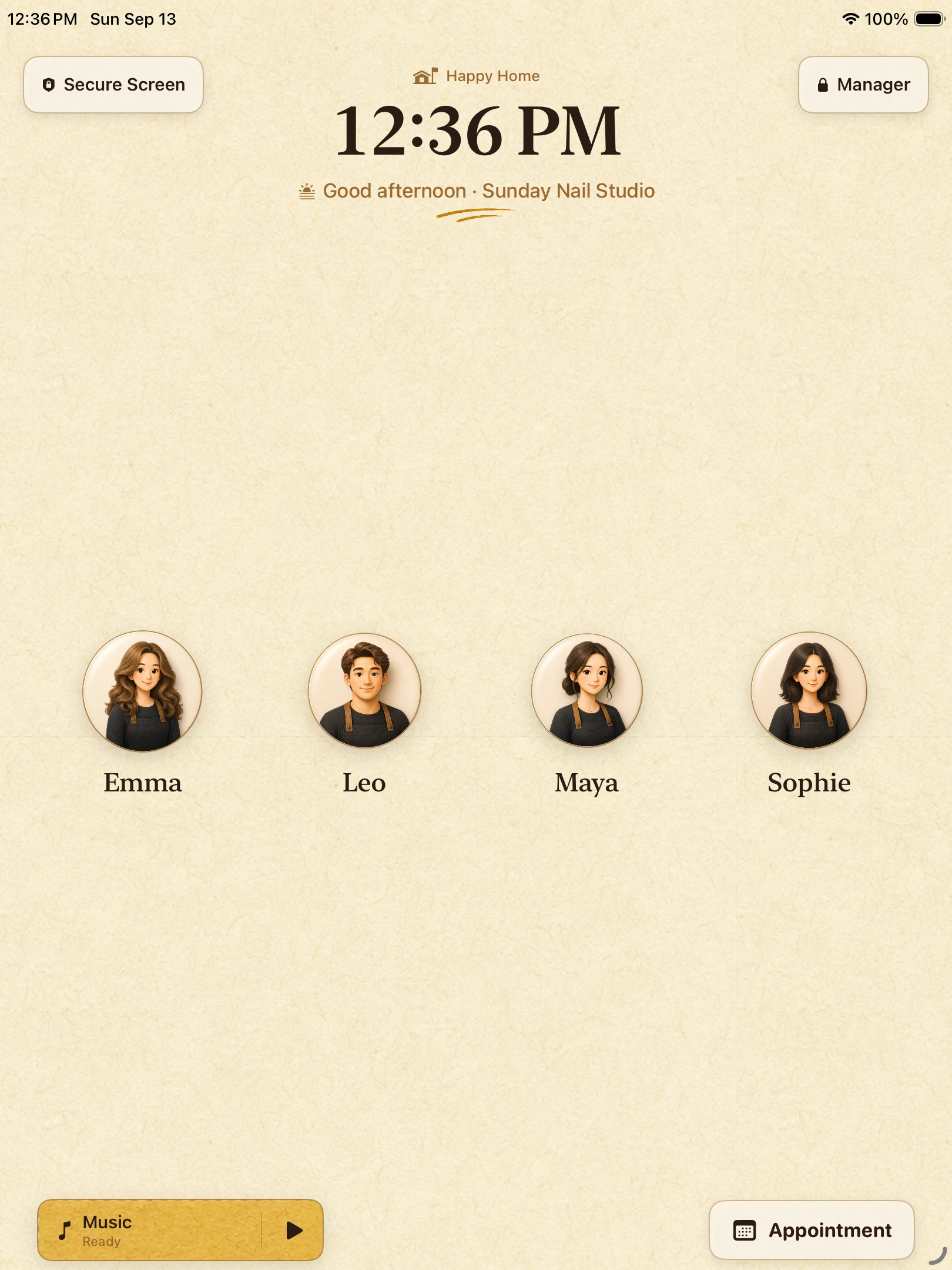
Staff choose their name, then open My Pay with their private PIN to check their own sales, tips and earnings.
- A simple shared staff screen
- Personal earnings behind a PIN
- Owner controls stay separate
03 · THE EVERYDAY DETAILS
Know what you’re confirming.
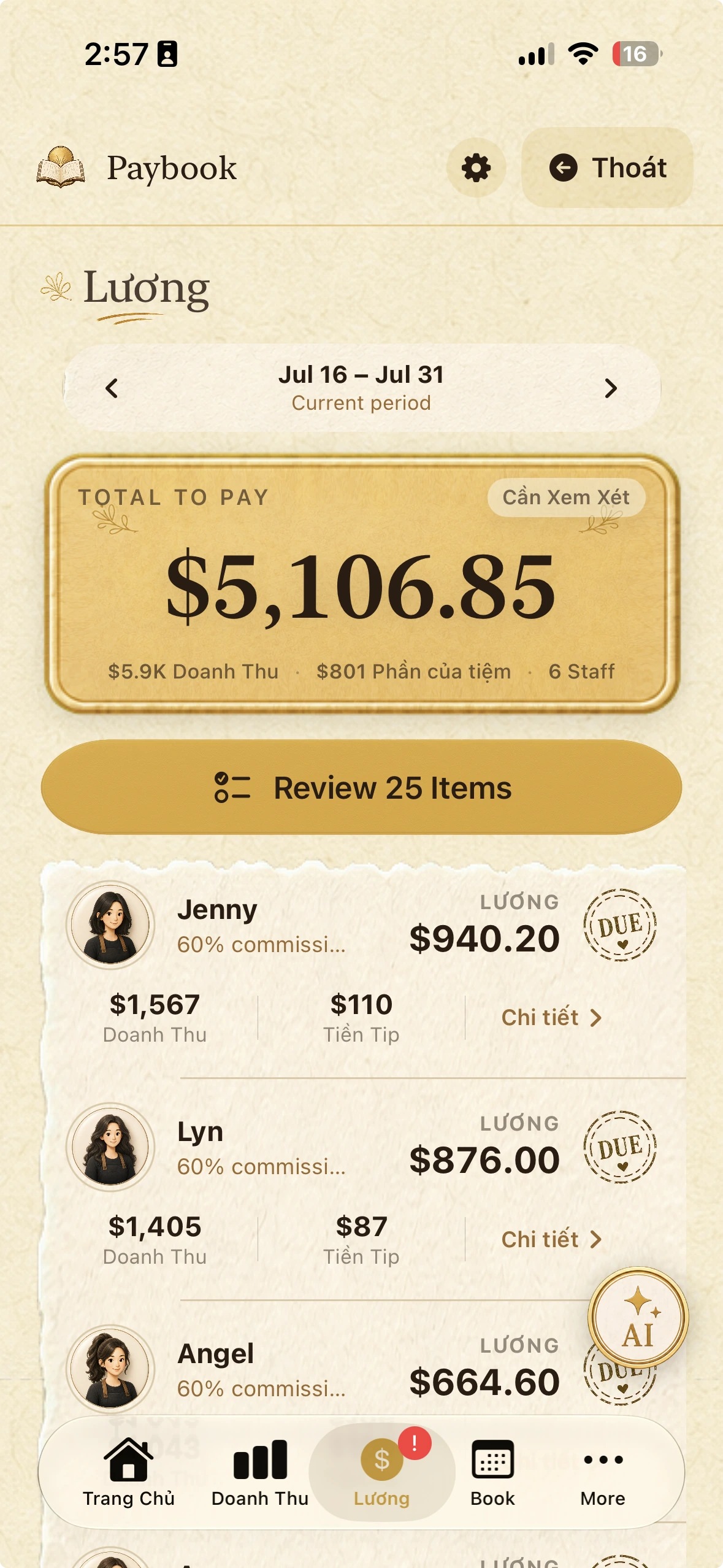
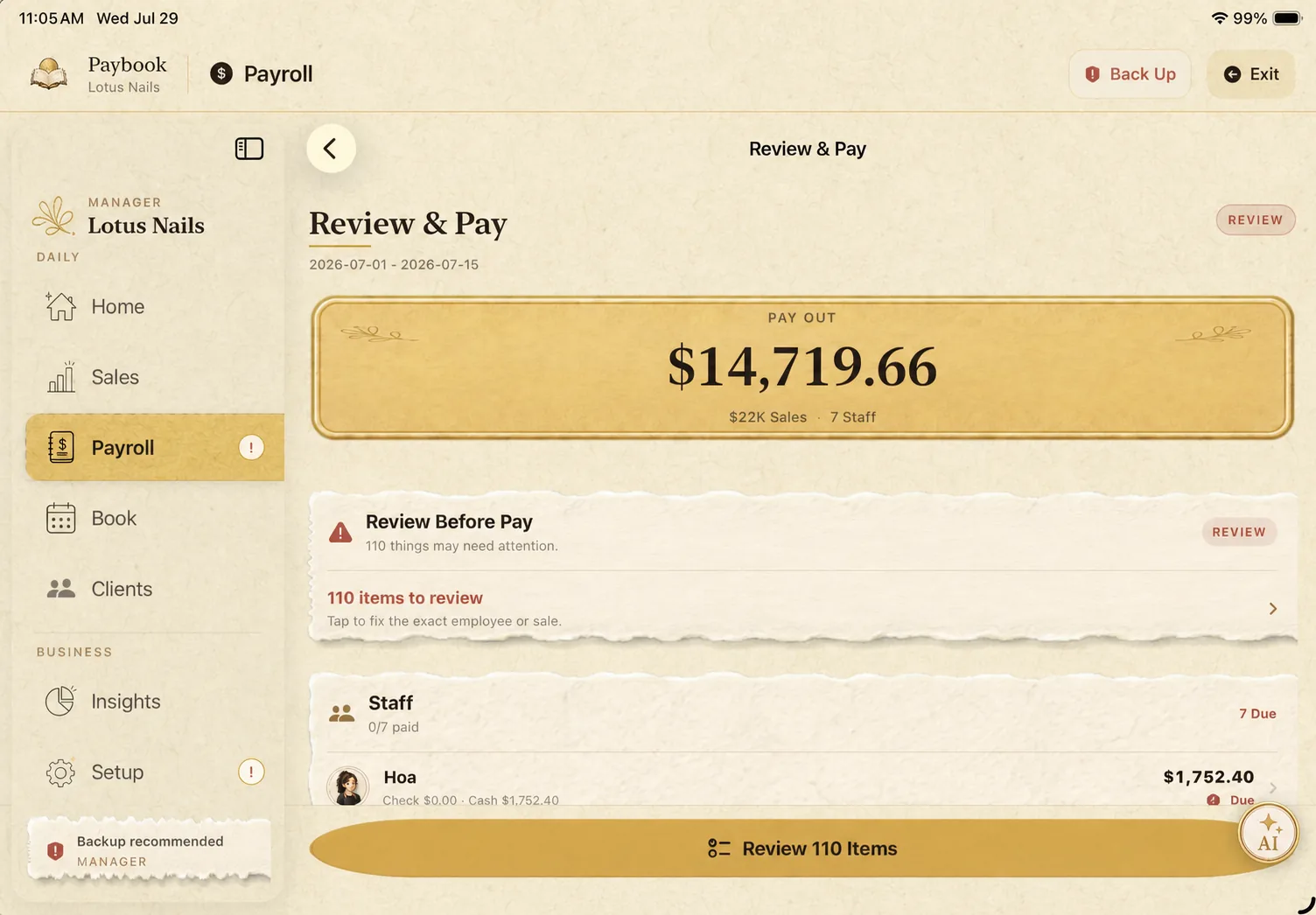
Review the period, check each calculation, and record the payment when you have paid. Keep a receipt you can revisit or share.
- Check service earnings and tips
- Review items that need attention
- Keep paid history and receipts
04 · THE EVERYDAY DETAILS
The next appointment, close at hand.
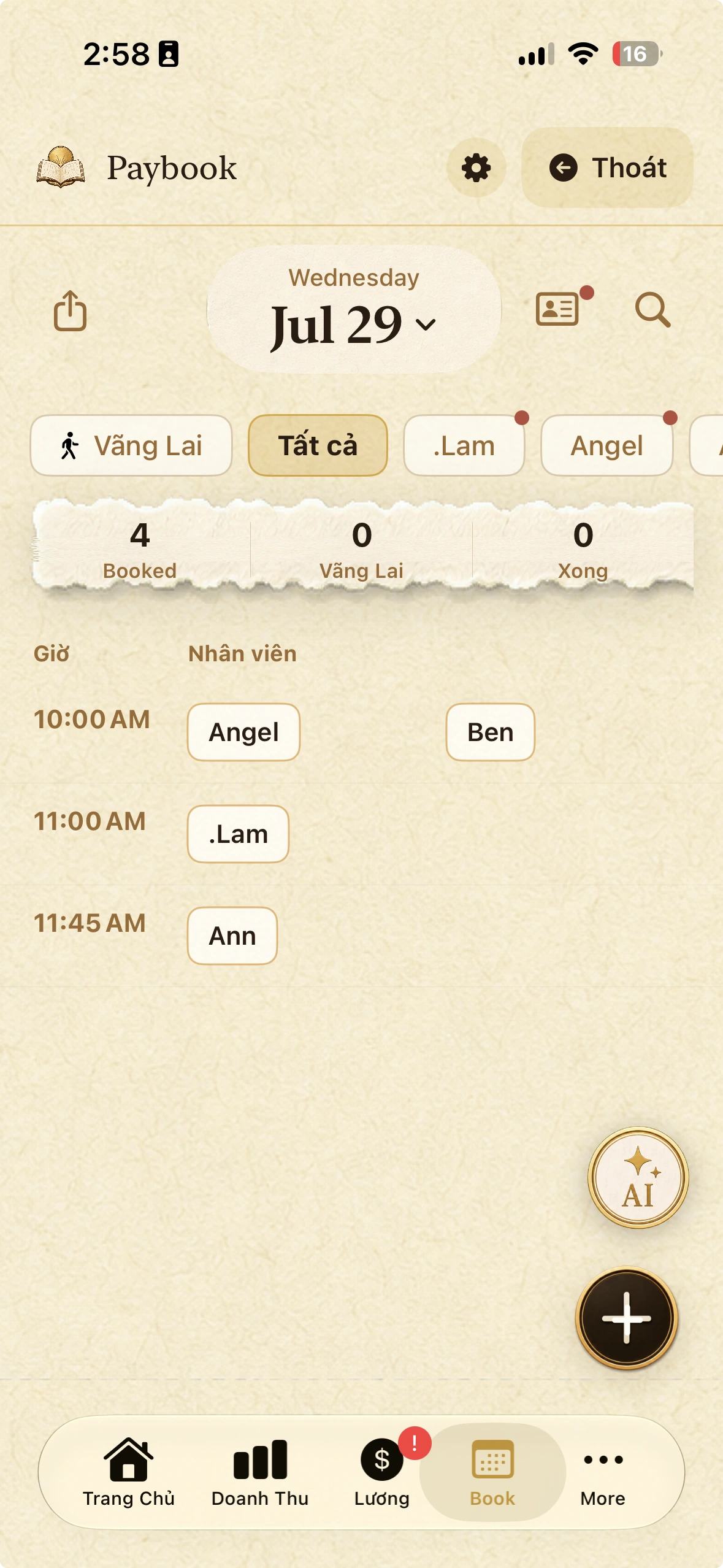
Keep appointments and client details near your daily work. Open the schedule directly or follow the Assistant’s guided choices.
- Clients and appointments together
- Choose the person, date and time
- You confirm every change
ONE DEVICE IS ENOUGH
A little less admin.
A little more evening.
Start on your iPhone or iPad. Add another device with your Apple Account when you need it.
Get early access